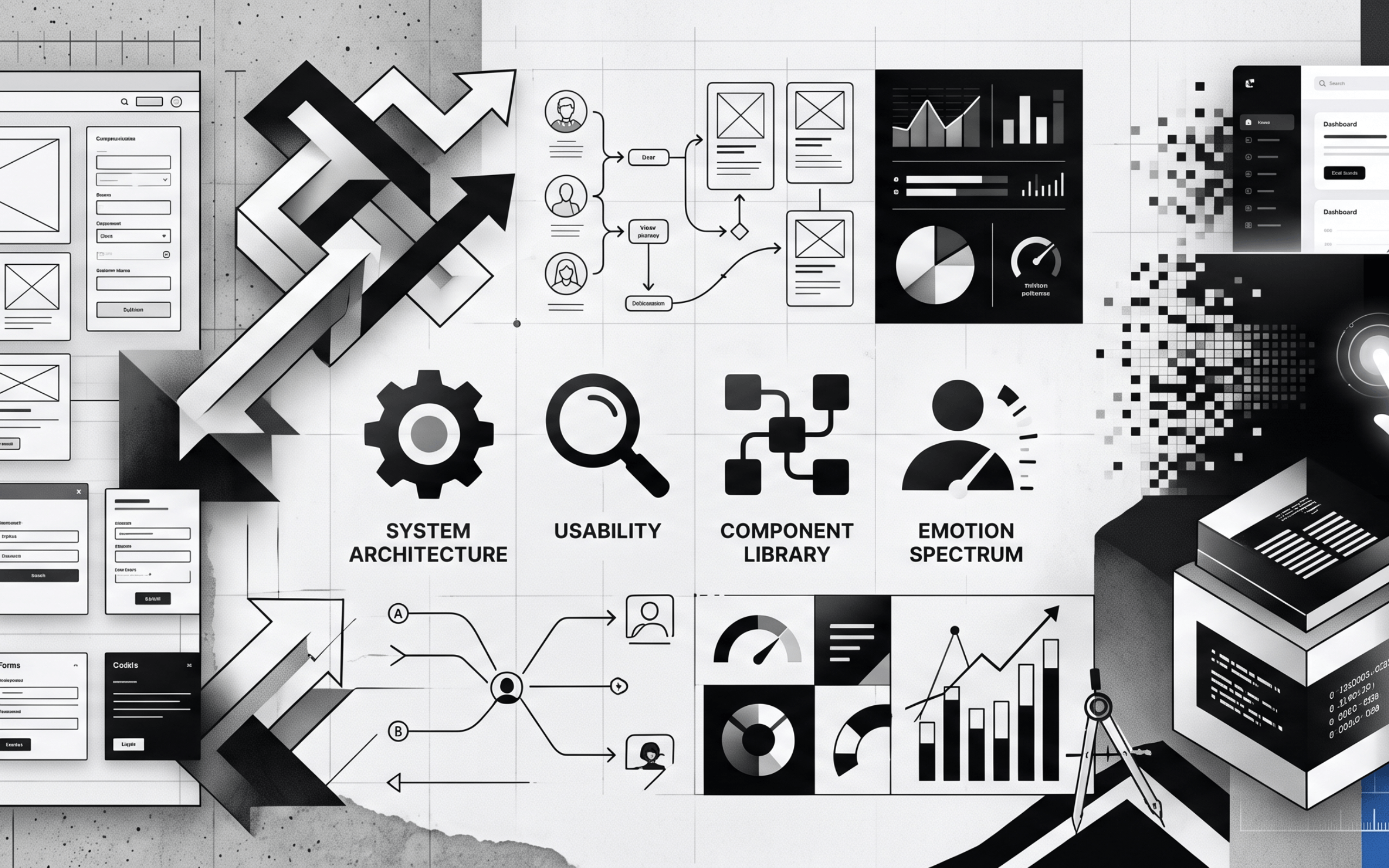
In the rapidly evolving world of software development, the line between functional and truly successful applications often comes down to one critical factor: the user experience. Modern users expect more than just features; they demand intuitive, efficient, and delightful interactions. As developers, understanding and applying the latest UI/UX design principles is paramount not just for aesthetically pleasing interfaces, but for building software that stands the test of time and truly serves its audience.
Let's explore the core principles guiding the creation of outstanding user experiences in modern software.
The Foundation: User-Centricity and Empathy
At the heart of all great design is the user. This principle emphasizes understanding who your users are, what their goals are, and what pain points they experience. Software built with empathy inherently solves real-world problems effectively.
- User Research: Conduct interviews, surveys, and observations to gather insights into user needs, behaviors, and motivations.
- Persona Development: Create detailed profiles of your target users to inform design decisions and foster empathy within the development team.
- User Journey Mapping: Visualize the entire user experience with your product, from initial contact to achieving a goal, identifying potential roadblocks and opportunities for improvement.
Inclusive by Design: The Power of Accessibility
Accessibility is no longer an optional add-on; it's a fundamental requirement for modern software. Designing for accessibility ensures your product can be used by the widest possible audience, including individuals with disabilities, enhancing usability for everyone.
- WCAG Compliance: Adhere to Web Content Accessibility Guidelines (WCAG) standards to ensure your interface is perceivable, operable, understandable, and robust.
- Semantic HTML: Use appropriate HTML tags (e.g.,
<button>,<nav>,<form>) to provide inherent structure and meaning, which screen readers rely on. - Alternative Text & ARIA Attributes: Provide descriptive
alttext for images and leverage ARIA (Accessible Rich Internet Applications) attributes for dynamic content and custom components to convey meaning to assistive technologies. - Keyboard Navigation: Ensure all interactive elements are reachable and operable via keyboard alone.
Effortless Interaction: Intuitiveness and Learnability
Users should be able to understand and operate your software with minimal effort and without extensive training. An intuitive interface feels natural and predictable.
- Mental Models: Align your interface design with users' existing mental models and expectations derived from their real-world experiences or other software.
- Consistency: Maintain consistent design patterns, navigation, terminology, and interaction behaviors throughout the application. This reduces cognitive load and fosters predictability.
- Affordances & Signifiers: Design elements in a way that clearly communicates their purpose and how they can be interacted with (e.g., a button should look clickable).
The Need for Speed: Performance and Responsiveness
In an age of instant gratification, slow software is bad UX. Performance directly impacts user satisfaction and retention. Moreover, software must adapt seamlessly to various devices and screen sizes.
- Optimized Assets: Minimize file sizes for images, videos, and code to ensure fast loading times.
- Fluid Layouts: Utilize responsive design techniques (e.g.,
flexbox,grid, media queries) to ensure your UI adapts gracefully to desktops, tablets, and mobile phones. - Perceived Performance: Implement skeletons, loading states, and progressive loading to manage user expectations during waits and make the application feel faster.
- Smooth Animations: Use purposeful and performant animations to provide feedback, guide attention, and make transitions feel fluid without hindering performance.
Personalized Journeys: Customization and Adaptability
Modern software excels when it feels tailored to the individual. Personalization can significantly enhance engagement and relevance.
- User Preferences: Allow users to customize aspects of their experience, such as themes (light/dark mode), notification settings, or layout configurations.
- Smart Defaults: Implement intelligent default settings based on user behavior or common patterns, saving users time and effort.
- Contextual Awareness: Design your application to adapt its content or features based on user context (e.g., location, time of day, recent activity, or role within a system).
Speaking to the User: Feedback and Communication
Users need to know what's happening. Clear, timely, and constructive feedback reduces frustration and builds trust.
- System Status: Always keep users informed about the system's status through progress indicators, loading spinners, and clear messages when actions are being processed.
- Error Handling: Provide clear, concise, and actionable error messages that explain what went wrong and how the user can resolve it, rather than cryptic codes.
- Microinteractions: Utilize subtle animations, sounds, or visual changes to provide instant feedback for user actions (e.g., a button changing state on click, a 'like' animation).
Visual Harmony: Clarity and Hierarchy
Visual design goes beyond aesthetics; it's about guiding the user's eye, establishing hierarchy, and reducing cognitive load. A clean, well-organized interface is easier to understand and use.
- Whitespace: Use ample whitespace to reduce clutter, improve readability, and draw attention to key elements.
- Typography: Select legible fonts and establish a clear typographic hierarchy (using different sizes, weights, and styles) to distinguish headlines, body text, and other elements.
- Color Psychology & Contrast: Use color purposefully to convey meaning (e.g., green for success, red for error) and ensure sufficient color contrast for readability, adhering to accessibility standards.
Building Trust: Ethical Design Principles
With increasing concerns about data privacy and digital well-being, ethical design is a critical principle for fostering user trust and long-term engagement.
- Data Privacy: Be transparent about data collection and usage, giving users control over their personal information.
- No Dark Patterns: Avoid deceptive UI patterns that trick users into unintended actions (e.g., making it hard to unsubscribe, misleading prompts).
- Informed Consent: Clearly communicate permissions and choices, ensuring users understand what they are agreeing to.
The Agile Approach: Iteration and Testing
UI/UX design is not a one-and-done process. Modern development embraces continuous improvement through iterative design cycles and rigorous testing.
- A/B Testing: Experiment with different design variations to see which performs better with real users.
- Usability Testing: Observe real users interacting with your software to identify pain points and areas for improvement.
- Analytics & Heatmaps: Use data analytics, user recordings, and heatmaps to understand how users interact with your interface and identify areas of interest or confusion.
Conclusion
Crafting modern software that truly shines in today's crowded market requires a deep commitment to UI/UX excellence. By embedding these principles—from user-centricity and accessibility to performance, personalization, and ethical considerations—into every stage of the development process, we can build applications that are not only functional but also intuitive, delightful, and truly indispensable to our users. As developers, embracing these design philosophies empowers us to create impactful software that elevates the human-computer interaction experience to new heights.